To active your Easy Digital Downloads – Payfast integration, please take the following steps:
- Navigate to Plugins → Installed Plugins
- Find the Easy Digital Downloads – Payfast integration. Please note this plugin first needs to be activated.
- Under the plugin’s name, click the “Manage License” option.
- A modal popup will be displayed, enter your license key and choose “Activate License”
- You’re done!
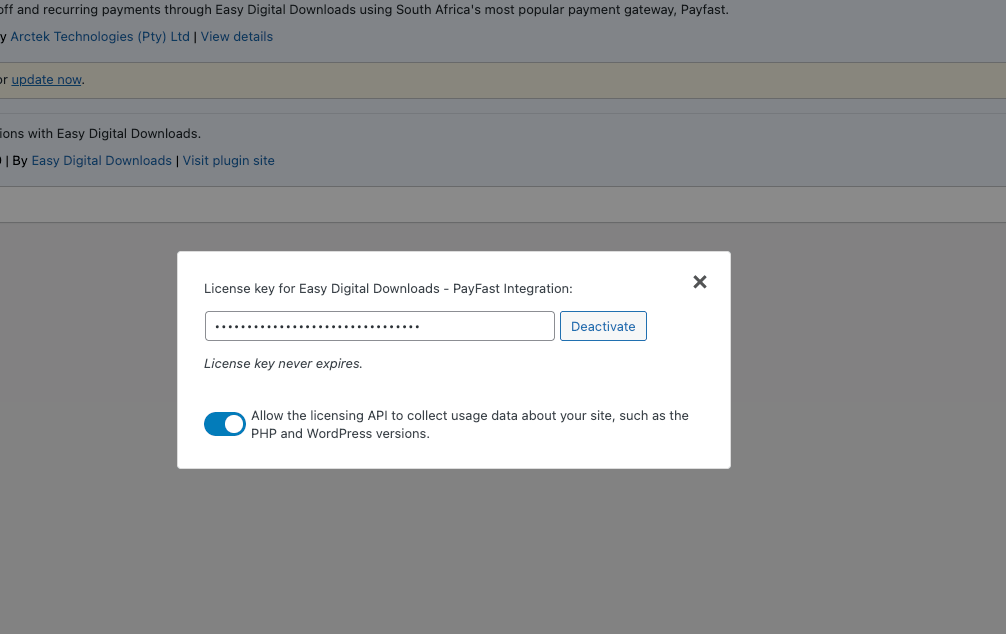
Once this is completed, you may enjoy automatic updates directly through your WordPress site – like any other plugin. Please note an active license key is required to utilize updates and support.